Features / Visual Scripting
Write Your Story as a Graph
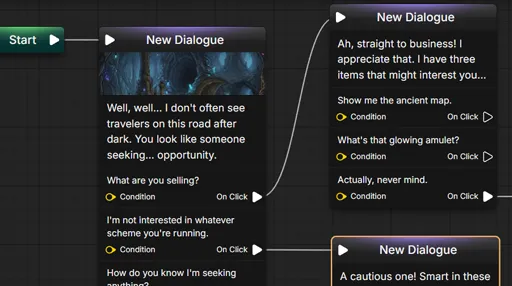
Connect dialogue, choices and logic as nodes on a canvas. You see the whole story at once, and you never write a line of code.
How It Works
Dialogue and logic on one canvas
No Code
Logic is built by connecting nodes
Instant Play
Test a scene without exporting
Typed
Variables and pins that only fit where they belong
Nodes
A dialogue node holds a line and its choices. Each choice is a wire to what happens next.
Add a branch to check a condition, a variable to remember a decision, or a random node to vary a reply. The structure of the story is the picture in front of you.
- Dialogue, choices and text blocks
- Branches, conditions and random picks
- Loops, arrays and maps
Dialogue
"Will you help us?"
Branch
Courage > 3
True
"I will."
False
"Not yet."
Variables
Stories need memory. Variables track what the player did, and conditions read them to open or close a path.
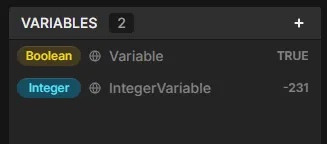
Every variable has a type, and a pin only accepts a wire of the same type. Mistakes show up while you wire, not while you play.
- Booleans, numbers, text and enums
- Characters, images and audio
- Local to a script or global to the project
Play in Editor
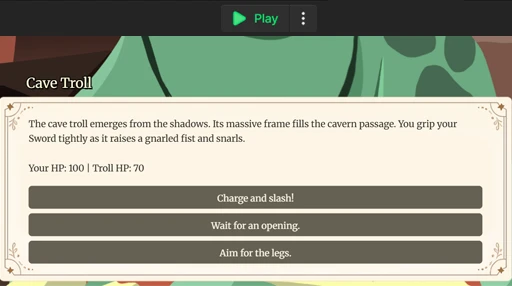
Press Play and walk through the scene you just wrote. There is no export step between an idea and seeing it run.
The runtime follows the same graph your game will, so what you test is what ships.
- Start from the beginning of a script
- Watch variables change as you play
- Fix a line and play again
Search
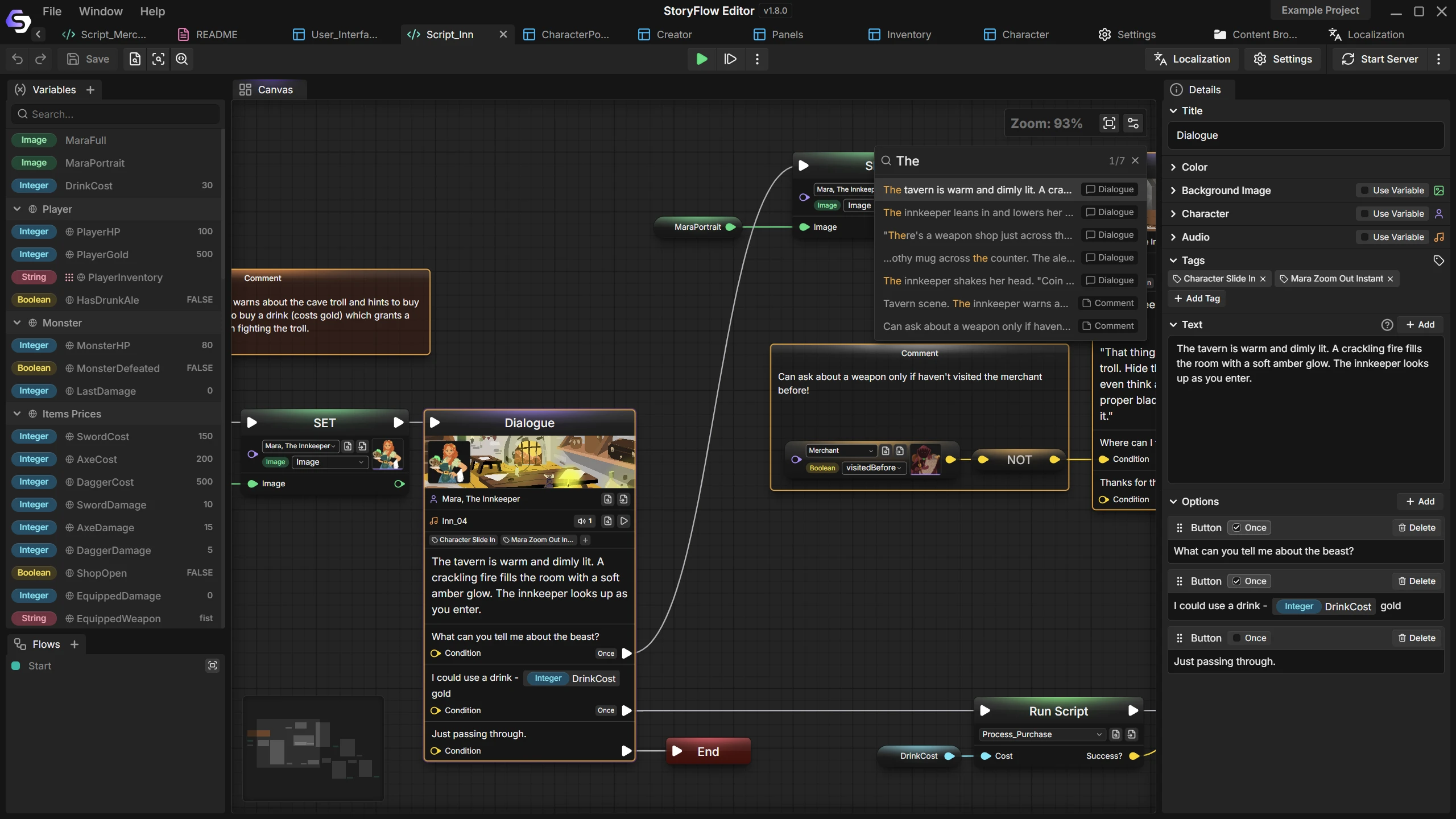
Find a half-remembered line in a graph of hundreds of nodes. Matches are highlighted on the canvas and you step through them one at a time.
Project-wide search and a references view cover the times when you do not know which file to open.
Built for Big Stories
What keeps a large graph manageable
Flows
Wrap a piece of logic into a flow and reuse it wherever you need it.
Scripts that call scripts
Split a story into files and run one from another, so no single graph grows out of hand.
Comments and reroutes
Label a region of the graph and bend wires around it to keep the layout readable.
Characters
Give a line a speaker with a name, a portrait and variables of their own.
Audio and images
Play voice and music, and change the background, from the same graph as the dialogue.
Data from databases
Read and write database values from a script, such as the price of an item.
Documentation
Guides for the canvas and its nodes
Questions
No. Dialogue, conditions and variables are all nodes you connect. There is no scripting language to learn.
As big as you need. Split it into scripts, reuse logic with flows, and use search and references to find your way around.
Yes. Play in Editor runs the story inside the editor, using the same runtime as the exported game.
Yes. The free plugins for Unreal Engine, Unity and Godot play the scripts you export, including variables and conditions.
More Features
Join the Community
Connect with StoryFlow Editor users, share your projects, leave feedback, vote for new features, report bugs and get support in our Discord community.
Join Discord