Features / Lip Sync
Characters That Speak Their Lines
The free engine plugins move a character's mouth from the voice audio of each line. Replace a recording and the mouth follows, with nothing to animate.
How It Works
From voice audio to a moving mouth
Automatic
No animation to author per line
3 Engines
Unreal Engine, Unity and Godot
MetaHuman
Live or baked, in Unreal Engine
Live Lip Sync
Nothing is prepared per line. The plugin listens to the voice as it plays and blends between mouth shapes in real time.
It suits a script that is still changing. Rewrite a line, drop in a new recording, and the character already speaks it.
- Follows whoever is speaking
- Works on replayed lines
- Adjustable strength and smoothing

Voice audio
Mouth shapes
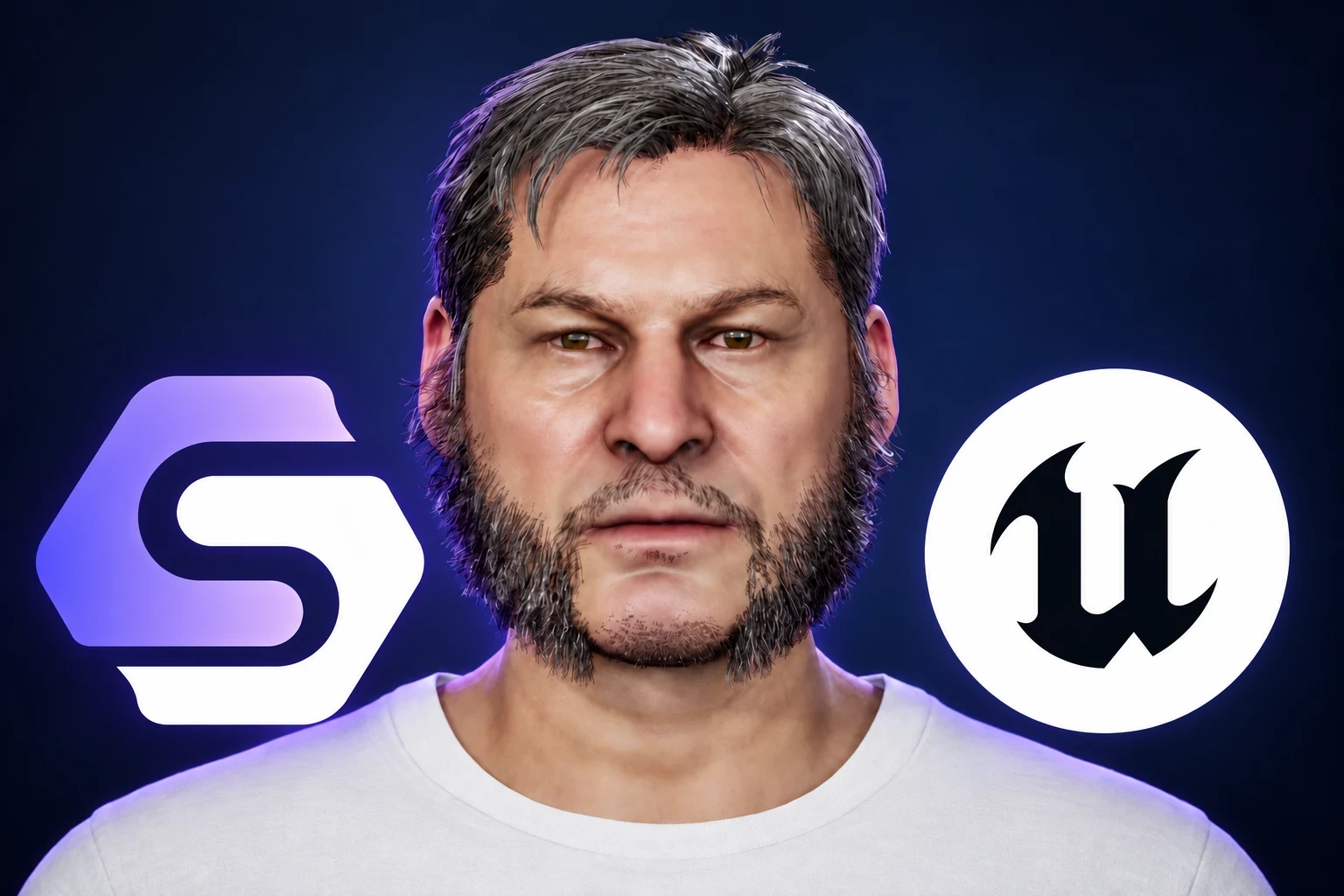
MetaHuman Support
The Unreal Engine plugin has a component made for MetaHumans, with its own mouth poses and settings.
For final lines it can also bake facial animation from the audio with MetaHuman Animator, and it plays the right animation with each voice. The announcement post compares both, with performance numbers.
- Live while you iterate
- Baked for the lines that matter
- Voice and animation matched for you

What to Expect
Live lip sync reacts to the sound of the voice, not to recognized words. It needs no transcript, and it does not promise an exact shape for every consonant.
That is enough for most game dialogue. For the close-up that carries a scene, bake the line.
Automatic by Default
What the plugins give you out of the box
Driven by audio
A line is covered as soon as it has a recording. Swap the recording and the mouth updates.
Speaker aware
Each face speaks its own character and stays quiet for everyone else.
Blendshape faces
Morph target and blendshape faces work in all three engines, with a mapping you can edit.
Synty Sidekick
Sidekick characters are supported out of the box in Unreal Engine.
Baked animation
Bake recorded lines with MetaHuman Animator for more detailed articulation.
Tunable
Set strength, sensitivity and smoothing to suit the face and the voice.
Documentation
Setup guides for each engine

Questions
No. Live lip sync is driven by the audio as it plays. Baking is optional, for lines where you want more detail.
Faces with blendshapes or morph targets in Unreal Engine, Unity and Godot, with a mapping you can adjust. Unreal Engine also has a dedicated MetaHuman component.
It follows the sound of the voice, so the mouth is responsive and believable but not exact for every consonant. Bake the line when you need precise articulation on a MetaHuman.
No. Lip sync is part of the free, open-source engine plugins.
More Features
Join the Community
Connect with StoryFlow Editor users, share your projects, leave feedback, vote for new features, report bugs and get support in our Discord community.
Join Discord