Features / Canvas Boards
Plan Your Story on a Canvas
A freeform board for the stage before the writing. Lay out notes, characters and references as cards, group them and draw how they connect.
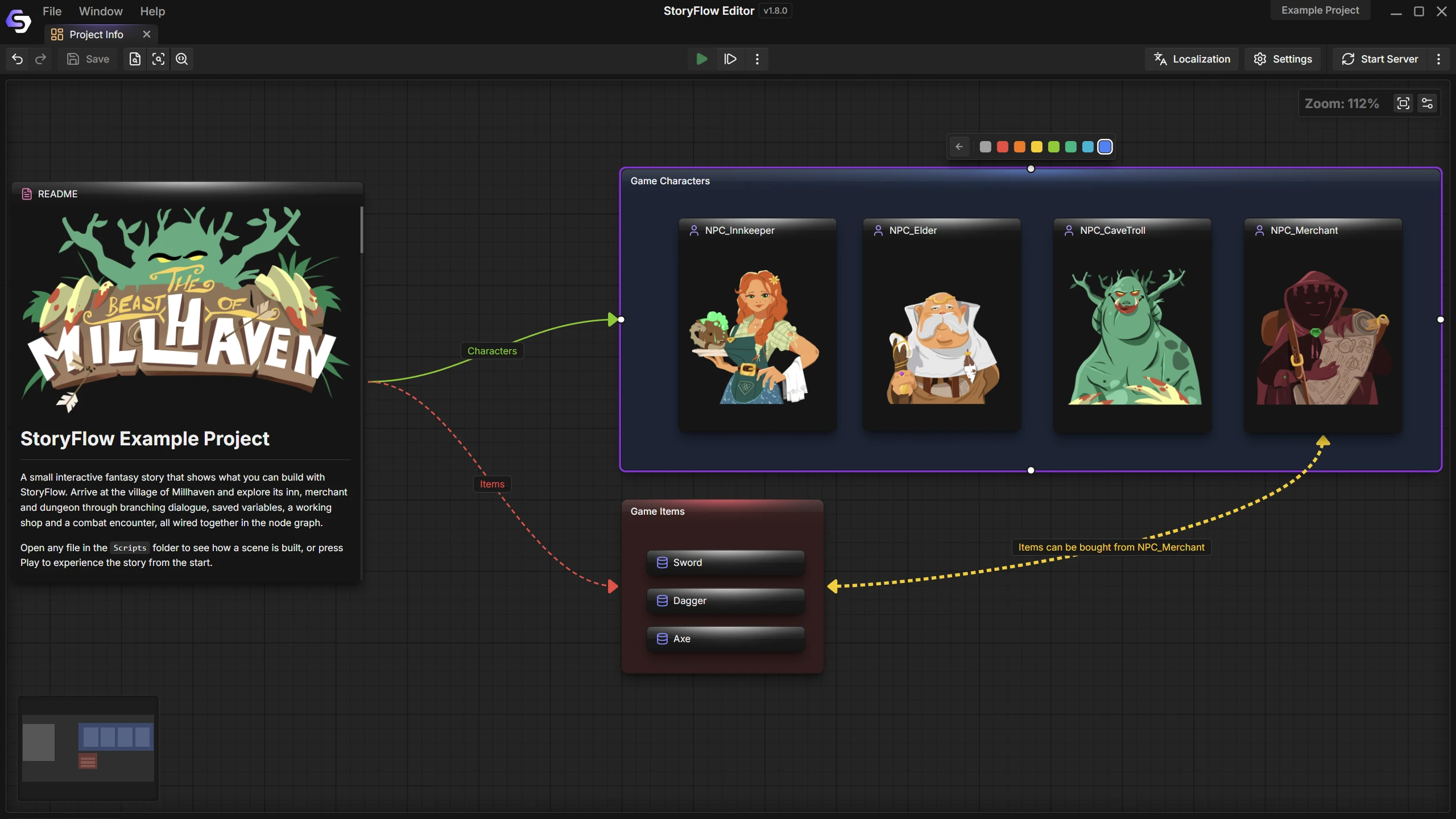
How It Works
A mind map that lives with your story
Freeform
Cards go wherever you put them
In Your Project
Boards are files beside your scripts
Linked
Cards open the files they point to
Cards
A card holds formatted text, not just a label. Write a rough scene on the board and let it grow until it is worth turning into a script.
Cards can also show project content, so a character, an image or an audio file sits next to the notes about it.
- Edit markdown cards right on the board
- Add notes, images, audio and characters
- Open a linked file in its own editor
Connections
Draw arrows between cards to show how things relate: who knows whom, what leads where, what depends on what.
Arrows have their own labels and styling, so a board can show several kinds of relationship and still read at a glance.
- Labelled arrows
- Colours for cards and arrows
- Groups for related cards
Act One
The innkeeper asks for help.
Mara
Runs the inn. Knows more than she says.
The Beast
Fight it, trick it or talk to it.
Open questions
Who sent the letter?
Before the Flowchart
A node graph asks for decisions. A board does not. Use it while the second act is still unsettled, to map a cast, collect scene references or keep research close to the scripts it informs.
Boards are for planning inside the editor. They are not exported to your game.
Made for Planning
Small things that keep a board useful
One board per idea
Keep separate boards for a chapter, a cast or a production task.
Search
Find a card by its text, however large the board has grown.
Undo
Move, edit and connect freely. Every step can be undone.
Links that survive
Rename or move a file and the cards that point to it follow.
Formatted notes
Headings, lists and emphasis inside a card, with the same markdown as your project notes.
Next to everything else
Boards sit in the Content Browser with your scripts, characters and databases.
Documentation
Guides for boards and the tools around them
Questions
A script is a flowchart the game runs. A board is a planning space: cards and arrows with no rules about what connects to what.
No. Boards help you organize work inside the editor and are not part of an engine export.
Markdown notes you edit in place, and cards for project content such as images, audio and characters.
The card follows the file. References are kept through renames and moves made in the editor.
More Features
Join the Community
Connect with StoryFlow Editor users, share your projects, leave feedback, vote for new features, report bugs and get support in our Discord community.
Join Discord