Features / Databases
One Database for Your Whole Game
Keep items, stats and quests in typed tables next to your story. Scripts and engine code read the same data, so there is only one copy to maintain.
How It Works
Typed tables that your story and your engine share
One Source
Dialogue and gameplay code read the same values
3 Engines
Unreal Engine, Unity and Godot
CSV + Excel
Import your spreadsheets, export them back
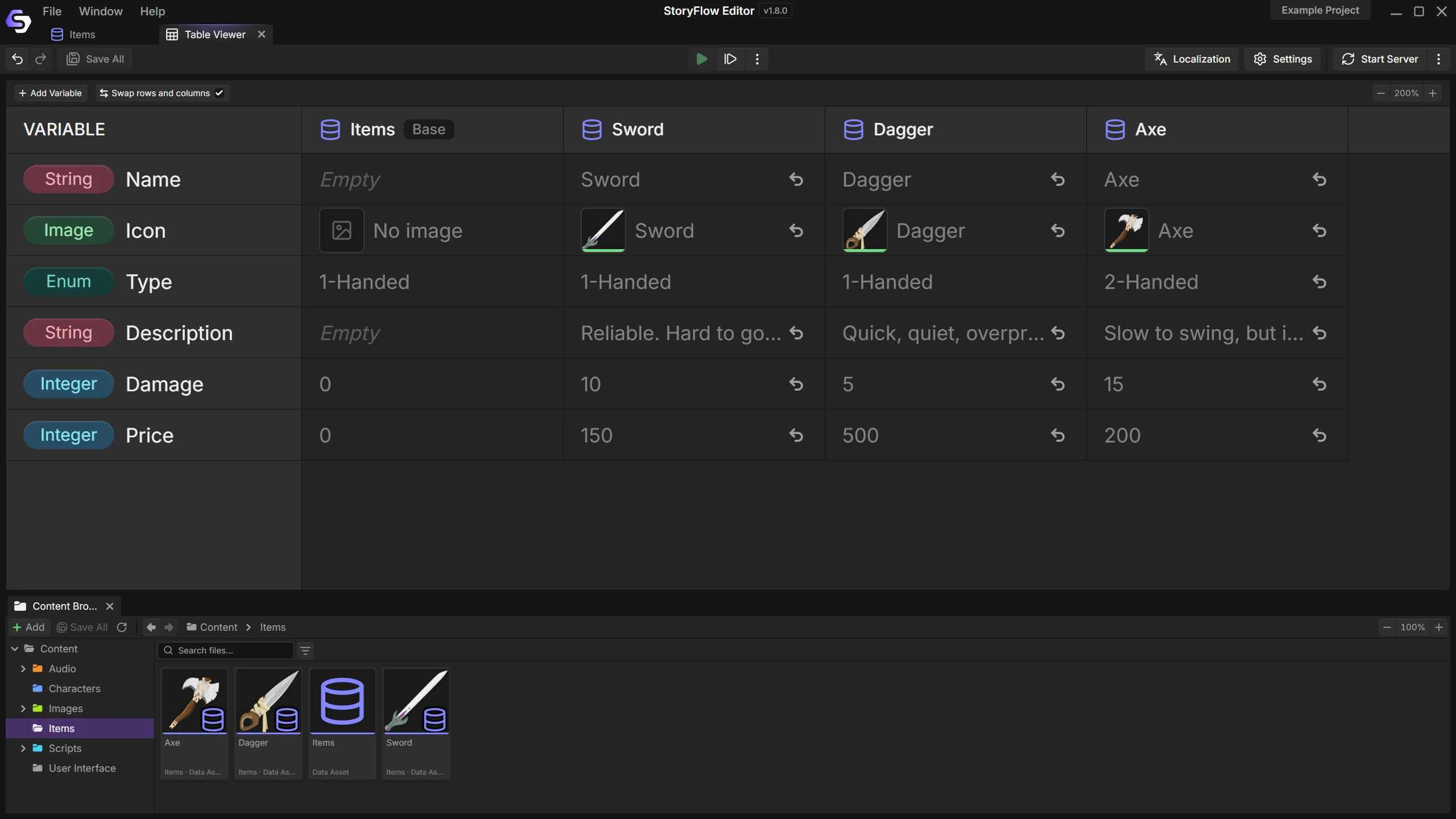
Inheritance
Game data comes in families. Every weapon has a price and a weight, and a few have something extra.
Put the shared fields in a base table, then override only what differs. Change a default on the base and every child that has not overridden it follows.
- New base fields reach the whole family
- Overrides are easy to spot
- Revert an override to get the base value back
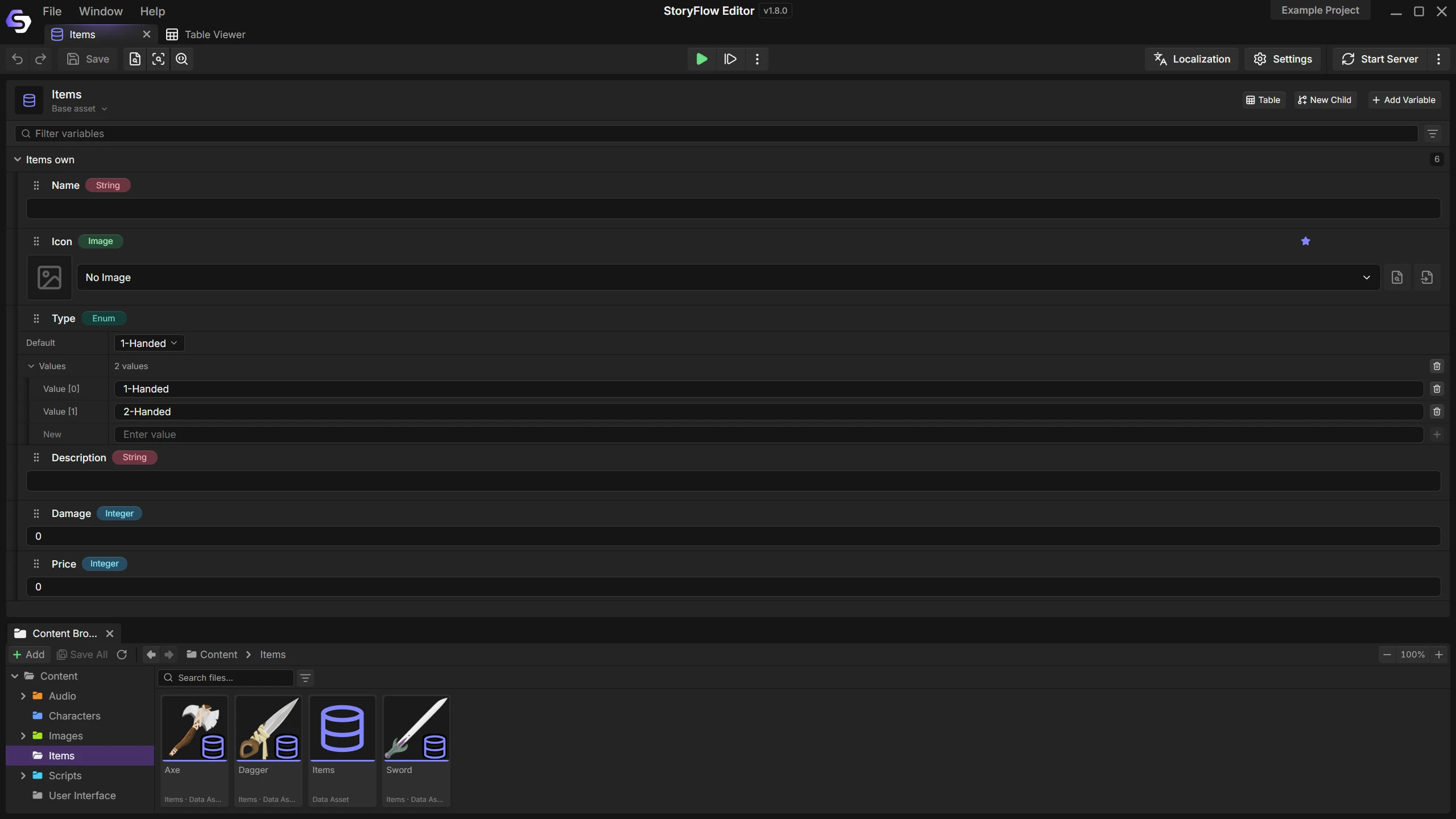
Typed Fields
Declare a field once and every row gets it, with an editor that fits. A price is a number, a rarity is a pick from a list, an icon is an image from your project.
A typo cannot turn a price into text, and your engine receives values it can use as they are.
- Text, numbers, booleans and enums
- Images, audio and characters
- Arrays and maps
Used by Your Story
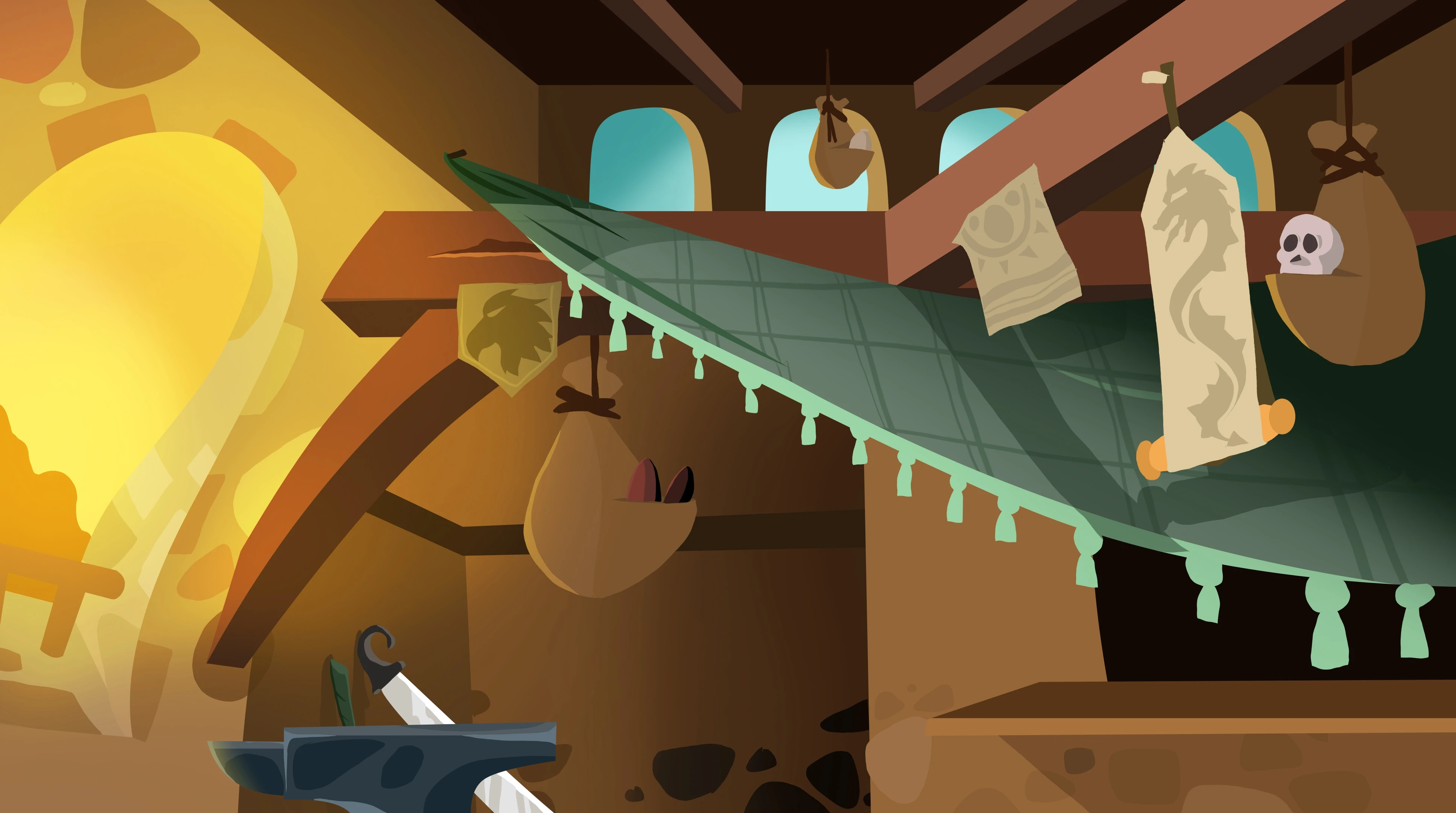
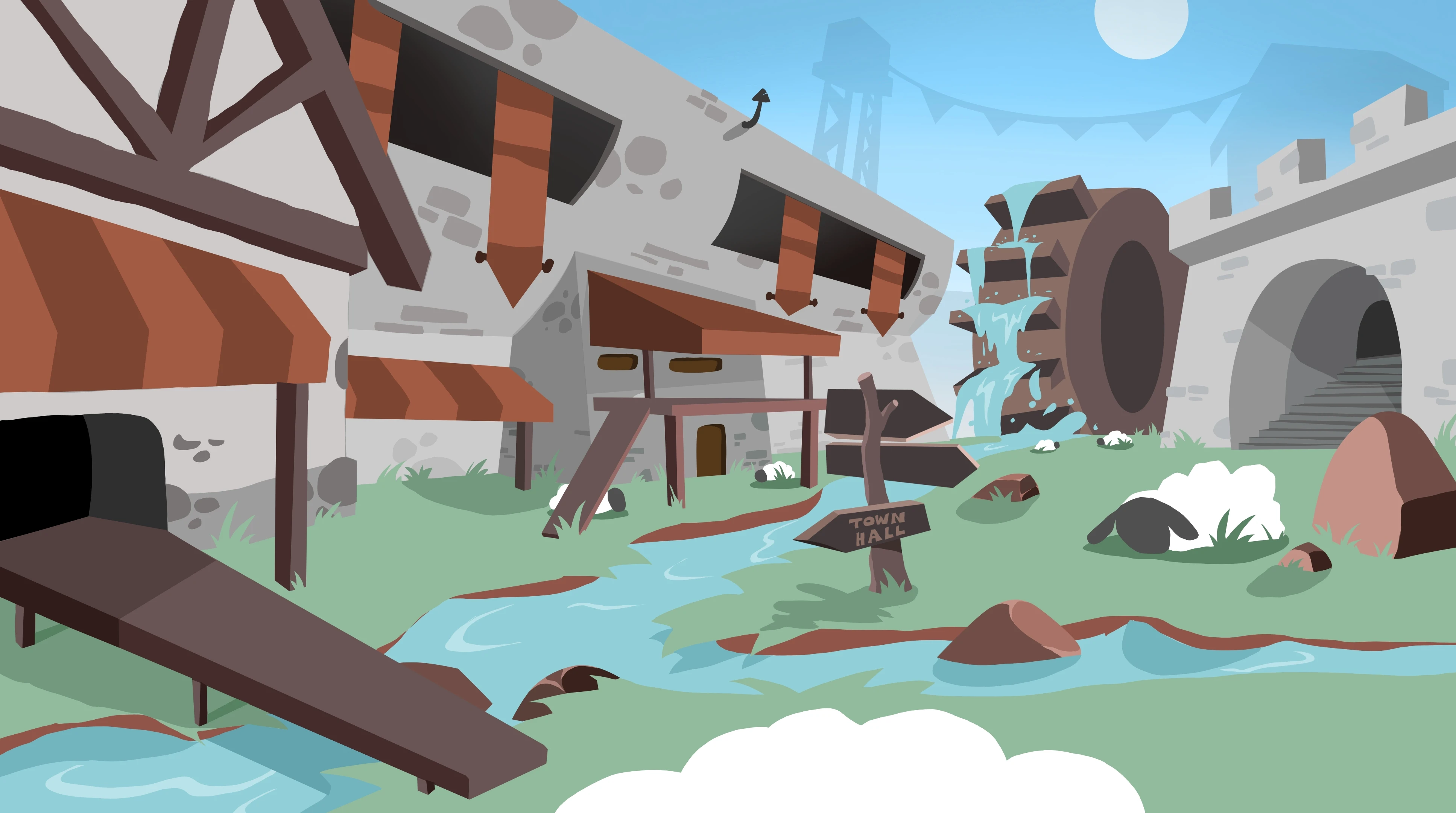
Script nodes read and write any field while the game runs. A shopkeeper quotes the real price, and a quest marks itself complete.
Text values appear in the localization dashboard automatically, so item names are translated alongside your dialogue.
More Than a Spreadsheet
Called Data Assets inside the editor
Spreadsheet import
Bring in CSV files and Excel workbooks. Every change is previewed before it is applied.
CSV export
Send a table out, edit it anywhere and import it back.
Bulk edits
Find and replace across a whole table. The entire change is one undo step.
Safe type changes
Change a field from number to text or back. Every value and reference is checked first.
Engine access
Read and write tables from Blueprint, C# and GDScript with the free plugins.
JSON export
Export any table as plain JSON for your own tools.
Documentation
Guides for the editor and each engine

Questions
A variable tracks one value, such as the gold a player holds. A database describes things: every item, enemy or quest as a row with the same fields. Scripts use both.
Yes. CSV files and Excel workbooks both import. You see what will change before anything is written, and the import is one undo step.
Yes. Script nodes can write to a field as well as read it, and each engine plugin lets your own code do the same.
No. You edit tables in a grid and use them from story nodes. Code is only needed if your own gameplay systems should read the same data.
More Features
Join the Community
Connect with StoryFlow Editor users, share your projects, leave feedback, vote for new features, report bugs and get support in our Discord community.
Join Discord