Godot Branching Narrative & Dialogue Plugin
A free, open-source dialogue plugin for Godot 4 - powered by StoryFlow Editor.
Import StoryFlow Editor dialogue, characters, Data Assets and translations into Godot. The pure GDScript plugin provides typed signals for choices, audio and variables, plus save and load and live sync with the editor. Built for RPGs, adventure games and visual novels.
Features
- Native GDScript plugin - no C# or external dependencies required
- Import and run StoryFlow Editor projects directly
- Story graph support for branching, loops, arrays and variables
- Character system with portraits, names, and per-character variables
- Data Assets and translated dialogue imported with the project
- Built-in audio playback with looping and volume control
- Audio-driven lip sync for character face blendshapes
- Save and load system with slot-based JSON persistence
- Live Sync with the StoryFlow Editor via WebSocket
- Default dialogue UI scene included and fully customizable
- Free and open-source plugin

Example Projects
You can download, play and inspect the examples inside Godot, but editing the story requires the StoryFlow Editor app.
 +
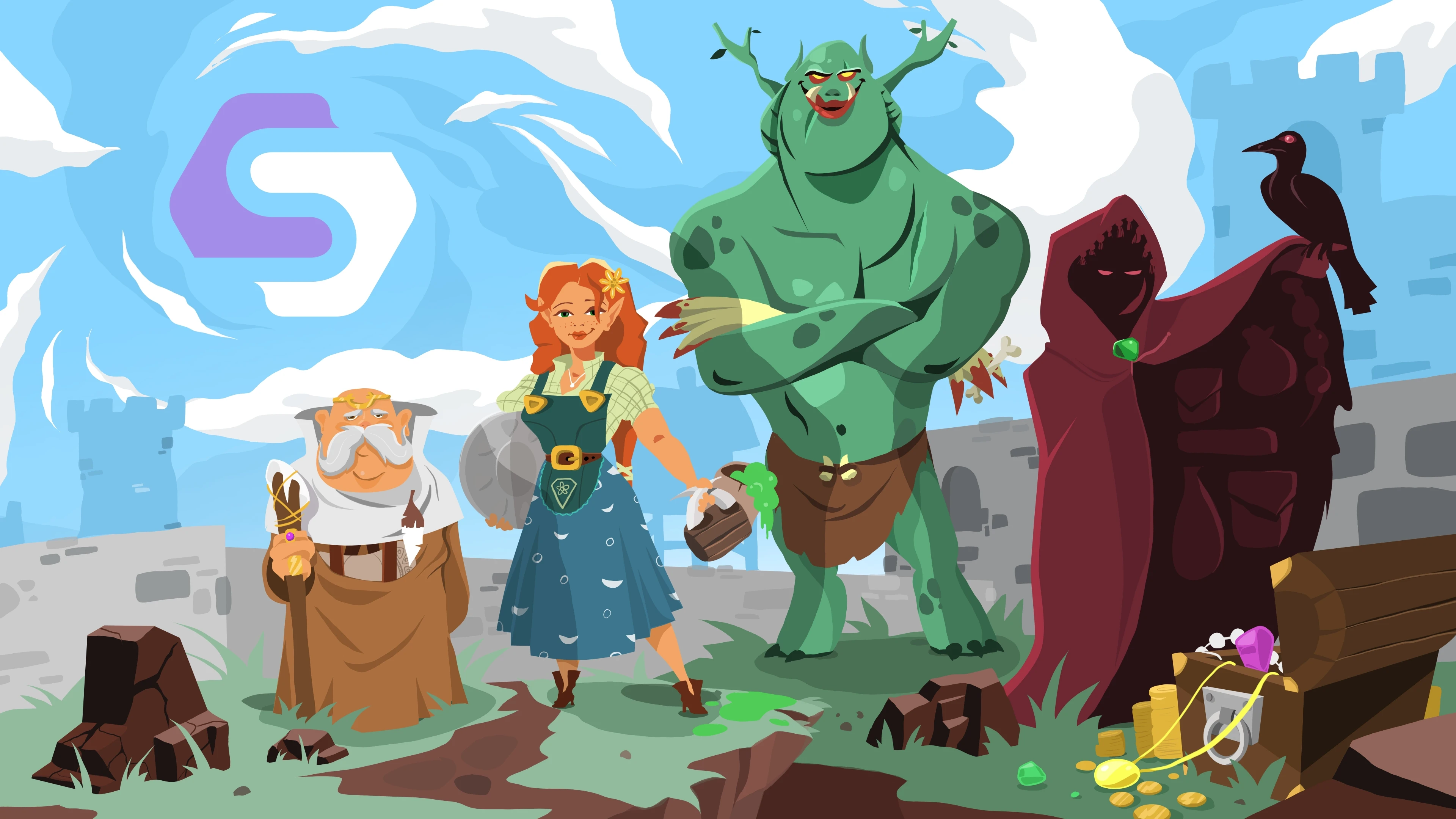
+ The Beast of Millhaven
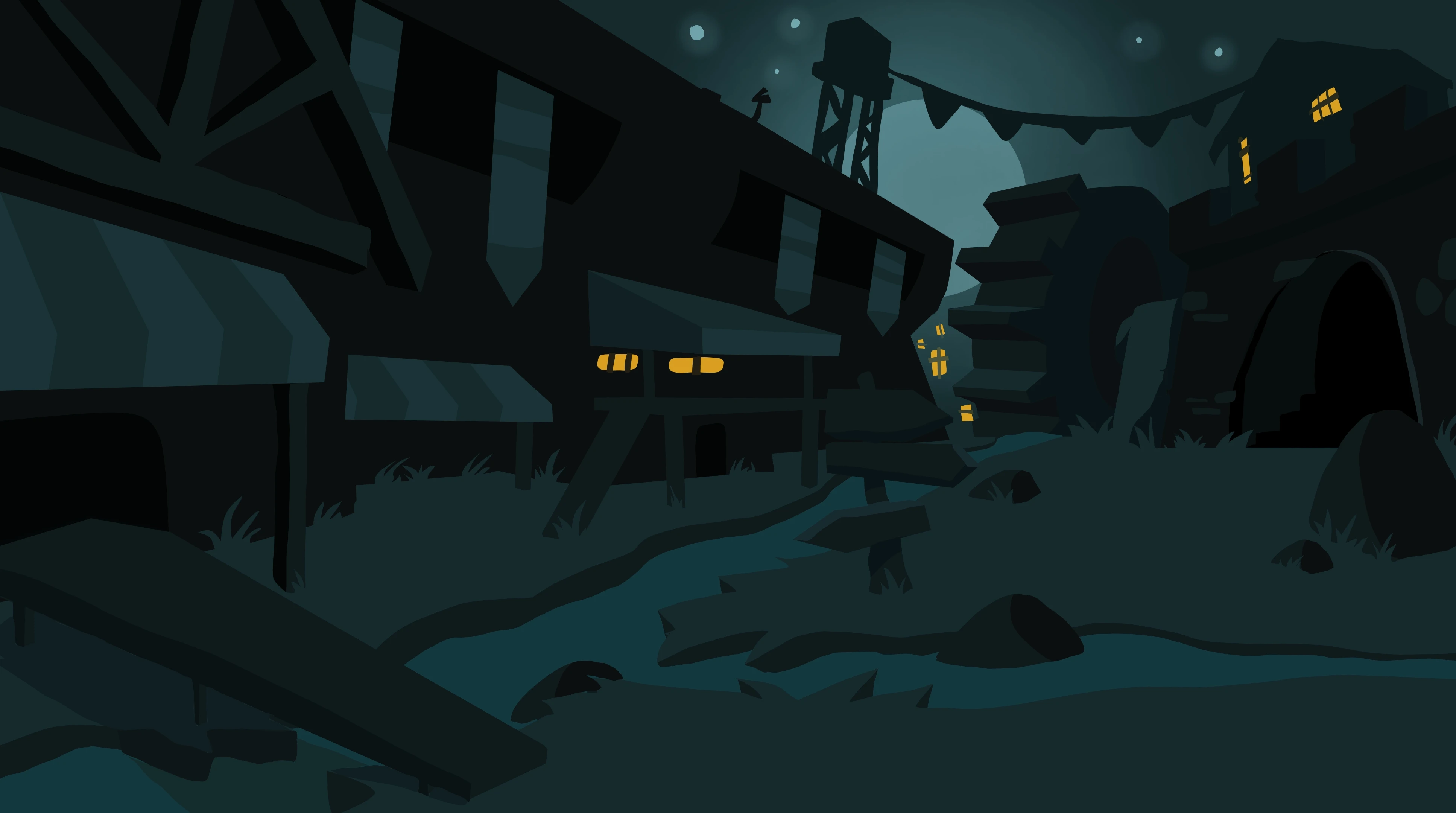
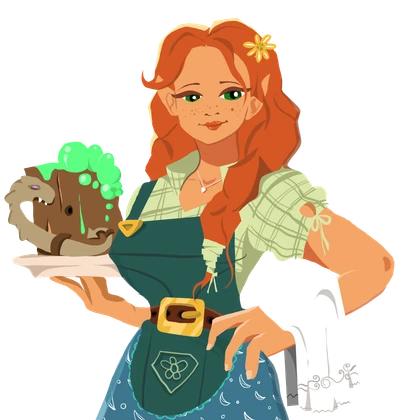
A complete visual novel with RPG mechanics running on this plugin: character creator, merchant shop with drag-and-drop inventory, and a cave troll battle. The story, combat math and prices were authored visually in StoryFlow Editor and ship pre-synced - the interface is plain GDScript reacting to the plugin's signals and dialogue tags. Runs out of the box in Godot 4.3+.
To see how it's made, open the bundled example project in StoryFlow Editor and connect the Godot editor with Live Sync. Edit a line, sync the project and restart the game to test the change.
More example projects coming soon
Building a branching narrative in Godot
Godot gives you signals, resources and a clean scene tree, which makes it tempting to hand-roll a dialogue system. That usually holds up until the story needs memory. Once a conversation depends on choices made in another scene entirely, the match statements multiply and the dialogue data ends up tangled with the presentation code.
The StoryFlow Editor plugin keeps those separate. The branching narrative is authored visually in StoryFlow Editor and imported as a project export. The GDScript runtime plays it back and emits typed signals as the story advances, so your UI nodes react without owning any branching logic.
Three steps to your first conversation
- Install the plugin. Copy it into
addons/and enable it in Project Settings. Godot 4.3 or later, no C# or external dependencies required. - Import your project. Export JSON from StoryFlow Editor and select the build folder in Godot, or connect with Live Sync.
- Call
start_dialogue(). On a StoryFlow component from any node. The included dialogue UI scene renders it, and you can restyle or replace it entirely.
What the runtime handles
The runtime handles story graph nodes for choices, conditions, loops and arrays. It also imports characters, Data Assets and translations, plays audio and exposes slot-based JSON save and load. Its lip sync node drives blendshapes on character face meshes.
Everything is exposed as typed signals, so any Control node can listen to dialogue state without a hard dependency on the plugin's UI. Because it is pure GDScript, it works in both GDScript and C# projects and adds no build step. Live Sync over WebSocket updates imported project files. Restart the game after syncing to test your changes.
If your conversation code has already outgrown hand-written trees, the branching dialogue architectures guide covers the five patterns that scale. For the wider category, see the branching narrative tool overview.
Frequently Asked Questions
Install the StoryFlow Editor plugin into your Godot 4 project's addons/ folder, import a JSON project export from StoryFlow Editor and call start_dialogue() on a StoryFlowComponent from any node. The plugin resolves the branching logic, character display, choices and variables for you and emits typed signals as the story advances, so the branching narrative runs without hand-written match statements or nested conditionals in GDScript.
Yes! The Godot plugin is completely free and open-source. You can use it in any project, including commercial games, without paying any licensing fees for the plugin itself.
Yes, the plugin is a runtime for projects created with StoryFlow Editor. Create your narrative in the editor, then import its JSON project export or use Live Sync. The plugin runs the branching logic for you, so you avoid hand-coding conversation trees in GDScript. Check our pricing page for editor options.
Follow the Installation guide to set up the plugin, then work through the Quick Start tutorial to get your first dialogue running in minutes.
The plugin requires Godot 4.3 or later. It uses GDScript features introduced in Godot 4.3+ and is not compatible with earlier versions.
Absolutely! The plugin is released under a permissive open-source license. You're free to use it in commercial projects, modify the source code, and distribute games that include it.
Yes, the plugin includes a default dialogue UI scene that you can restyle, extend, or replace entirely. You can also build your own custom UI from scratch - the component broadcasts all dialogue state via signals that any Control node can listen to.
Many Godot dialogue plugins ask you to write branching logic in a custom script format or wire conversation trees together inside the Godot editor itself. StoryFlow Editor separates authoring from playback: you create the branching narrative visually in StoryFlow Editor, then the Godot plugin runs it. Writers can edit without opening Godot and export the same project for Unity or Unreal Engine. Live Sync updates the imported Godot project files, ready for the next game launch.
Join our Discord community where you can ask questions, report bugs, and connect with other developers.
The current plugin is written in pure GDScript, which works seamlessly with both GDScript and C# projects. A dedicated C# version of the plugin is something we may consider in the future based on community demand.
Yes, we're committed to maintaining and improving the plugin alongside the StoryFlow Editor. As an open-source project, the community can also contribute features and improvements.
Stay Updated
Get notified about plugin updates, new features, and tips for integrating StoryFlow into your projects.
We respect your privacy. Unsubscribe at any time.