Create Interactive Stories With Visual Scripting
StoryFlow Editor is a narrative design tool for creating branching dialogues and interactive stories with visual scripting. Integrate them into Unreal Engine, Unity or Godot using free plugins, or build and export complete story games with the standalone engine.

Latest Posts



Showcase
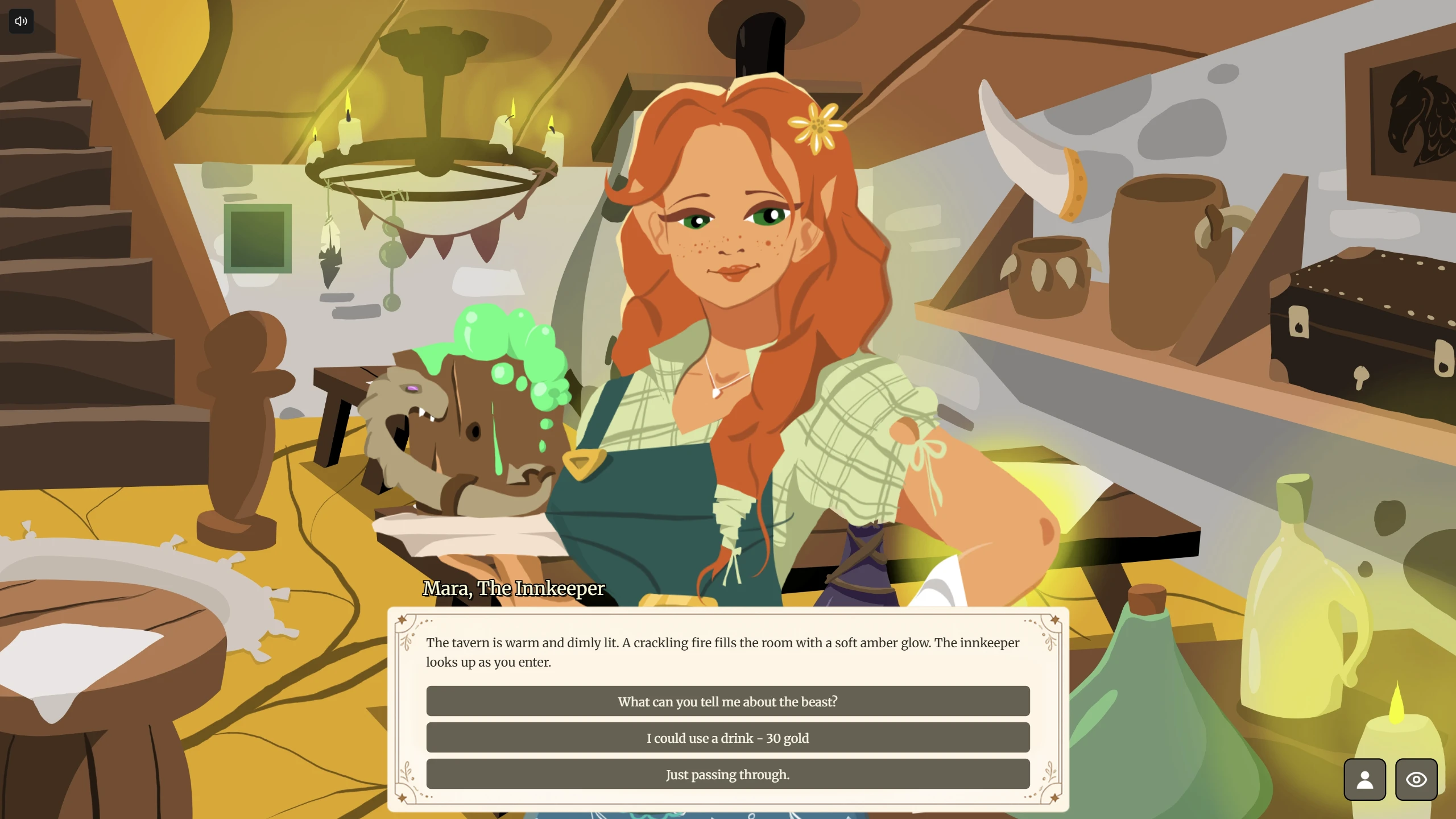
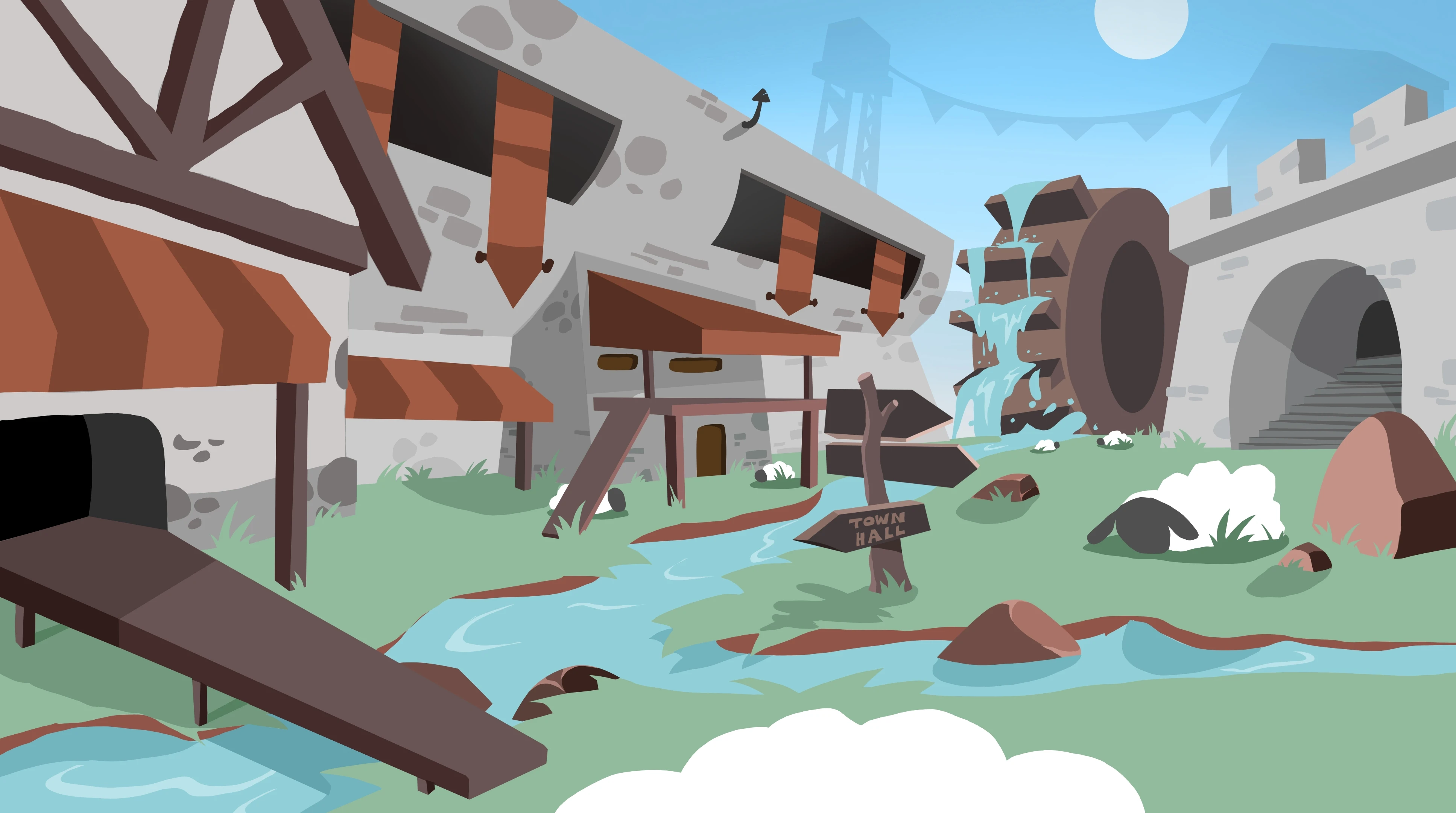
Games and interactive stories built using StoryFlow Editor.
Powerful Features
Everything you need to create compelling interactive stories
Buy Once
One-time purchase, lifetime updates. No annoying subscriptions
100% Offline
No cloud, no accounts, no sign-ups. Works without internet
100% Yours
Full ownership of your project files. Seamless Git collaboration
Create Once, Export Anywhere

No engine? Export a standalone HTML or desktop build straight from the editor.
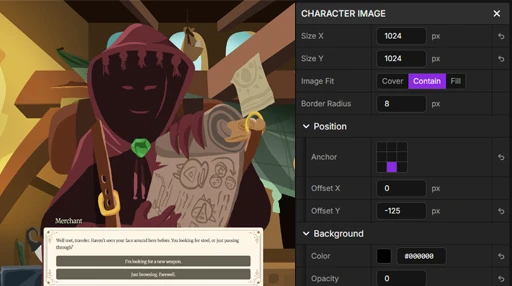
User Interface Editor
Easily design and customize your in-game dialogue UI directly within the editor. Adjust colors, fonts, backgrounds and layout to match your game's aesthetic. Preview changes in real time to see exactly how your dialogue will look to players.

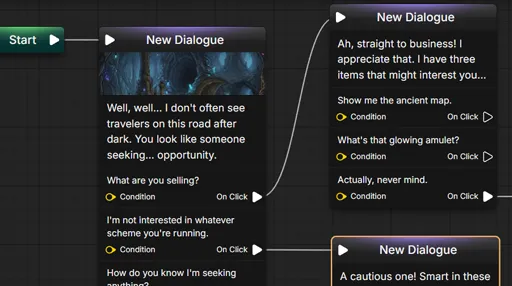
Visual Scripting System
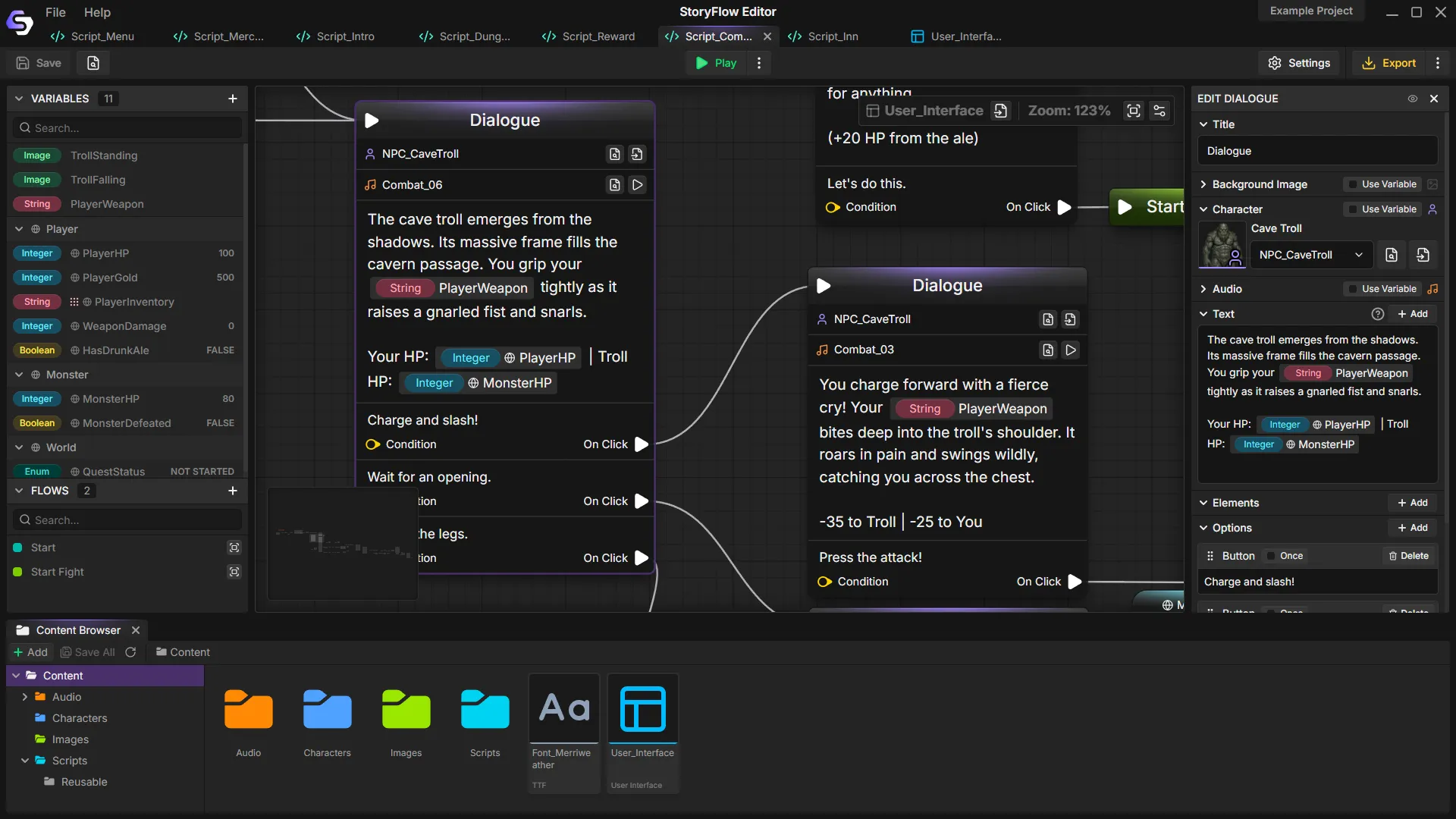
Build interactive narratives using visual nodes instead of code. Connect dialogue, create branching paths and add conditional logic by linking nodes together. The visual editor gives you a complete overview of your story structure.
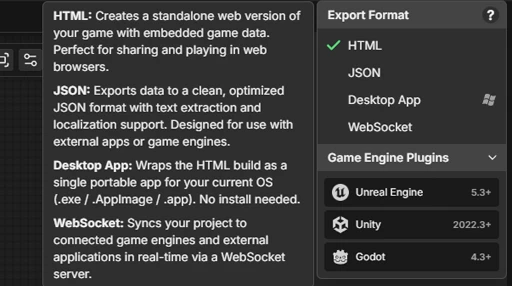
Multiple Export Formats
Share your stories as standalone desktop apps or HTML games, or export JSON data for custom workflows. Official plugins are available for Unreal Engine, Unity and Godot - all free and open-source.
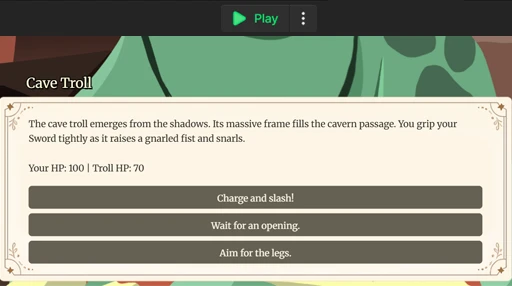
Play in Editor
Test your story instantly without exporting. Play through your narrative directly in the editor to verify dialogue flow, conditional branches and variable logic. See exactly how players experience your story as you build it.

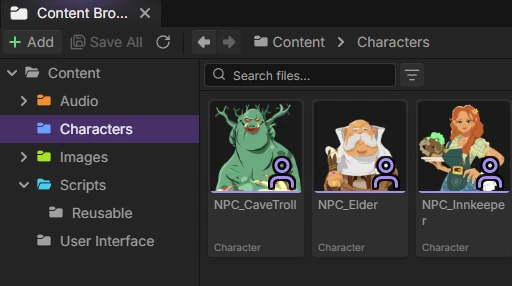
Asset Management
Manage scripts, characters, Data Assets, Canvas Boards and media in the Content Browser. Organize large projects with folders, edit reusable data in a table and keep references connected when files move.
Project Management
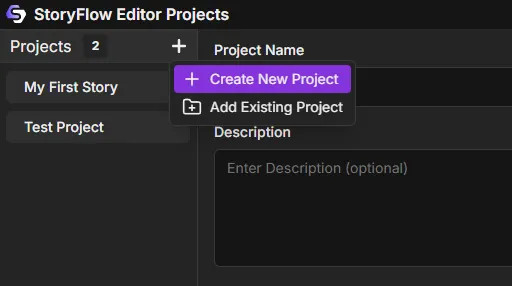
Create and manage multiple projects. Each project maintains its own scripts, variables, images and settings. Switch between projects seamlessly and keep your stories completely separate.
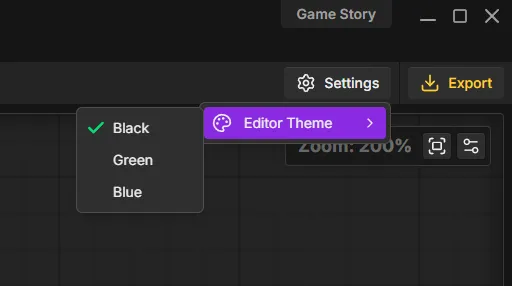
Editor Themes
Choose from dark themes with different accent colors, or try the experimental light theme. Adjust the interface scale to make your workspace comfortable.
Development Roadmap
This roadmap is subject to change based on community feedback and development priorities
Game Engines Integration
Unreal Engine, Unity and Godot plugins with full documentation
UI Editor
Visual interface editor for HTML runtime
Desktop Export
Export as a standalone desktop application for Windows, macOS and Linux
UI Animations
Animations and transitions for user interface elements
Save & Load System
Save and load player progress in the HTML runtime
Localization System
Translate project text, exchange CSV files and switch languages at runtime
Data Assets
Reusable game data with inheritance, table editing and engine plugin support
Canvas Boards
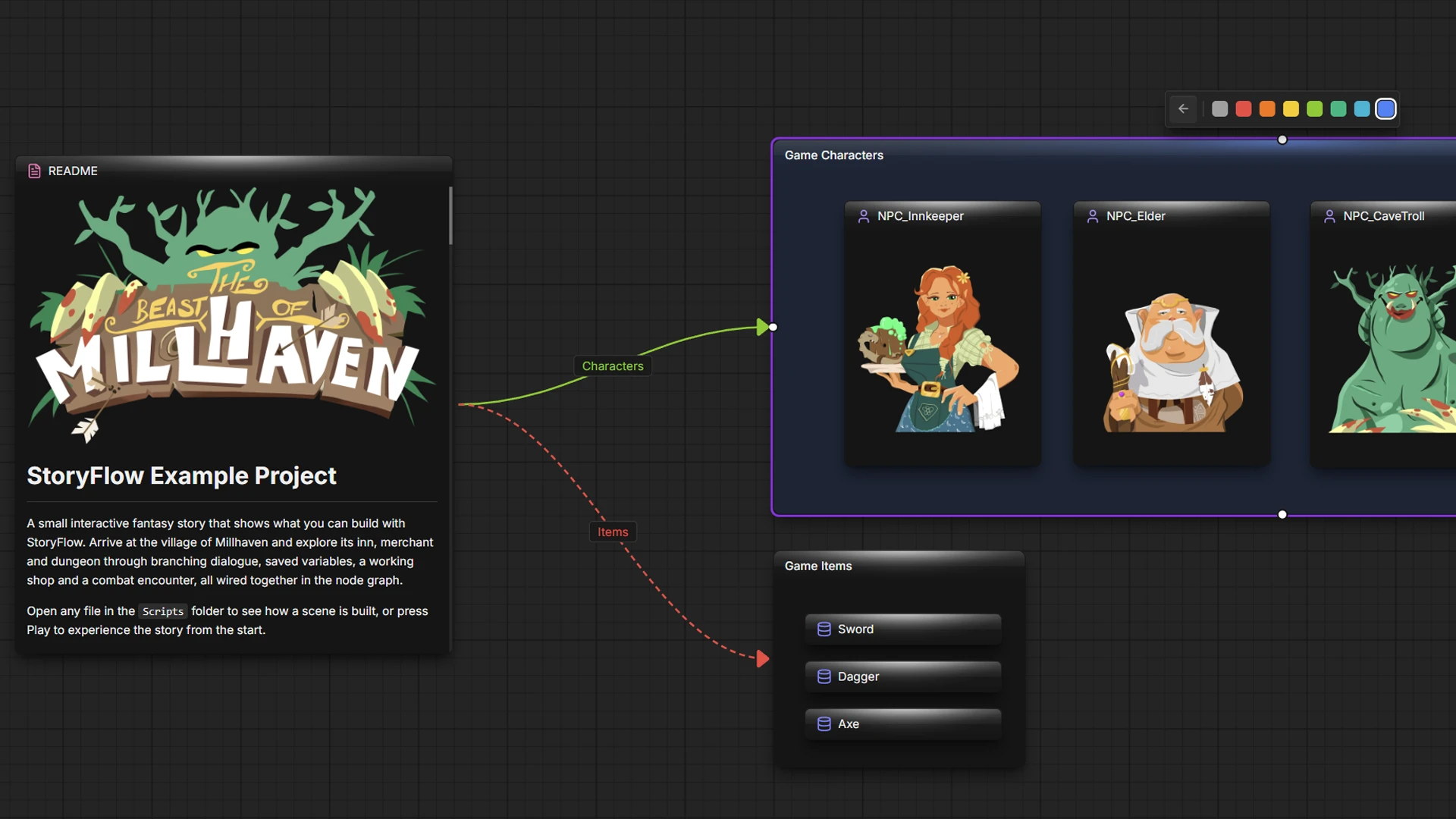
Plan projects on a freeform board with cards, links and groups
Markdown to Script
Write scripts in a Markdown-like text syntax that converts into visual node graphs
Animation System
Animations for character sprites
Particles & Visual Effects
Particle systems and visual effects for scenes and transitions
Runtime Debugger
The HTML runtime debugger brought to the Unity, Unreal Engine and Godot plugins
Mobile Runtime
Export your project as a mobile application (Android or iOS)
Plugins
Extend the editor with custom functionality
Frequently Asked Questions
StoryFlow Editor is available for Windows, macOS and Linux. The editor requires a desktop computer to operate effectively, but your exported projects (HTML files) will run on any device with a modern browser.
No, StoryFlow Editor is offline-first and works completely offline. You fully own your data and can use all features without an internet connection.
StoryFlow Editor exports standalone HTML stories, desktop builds and JSON project data. The JSON export includes scripts, characters, Data Assets and translations for custom workflows or our free Unreal Engine, Unity and Godot 4 plugins.
Yes! Official plugins are available for Unreal Engine (Blueprint and C++ support), Unity (C# with full editor integration) and Godot 4 (pure GDScript). All plugins are free and open-source. You can also use the JSON export feature to integrate your narrative data into any engine with a custom solution.
Yes! StoryFlow Editor script files are text-based under the hood, which means you can use version control systems like Git for collaboration. This workflow is already familiar to developers and allows your team to track changes, work on branches, merge contributions and maintain a complete project history - just like with code. More advanced real-time collaborative features are being considered for future releases.
Yes, each person using StoryFlow Editor must have their own individual license. This applies to all team members who will be working with the editor, regardless of whether they are collaborating on the same project.
The editor itself is not open-source. However, all of our game engine plugins - Unreal Engine, Unity and Godot - are fully open-source and free to use in any project, including commercial games.
The best way to support StoryFlow Editor is by purchasing it on Steam or Itch.io and spreading the word to your friends and colleagues. Additionally, reporting bugs and providing feedback helps us improve the tool for everyone.
StoryFlow Editor is actively being developed with many exciting features planned. Development priorities are heavily guided by community feedback. Join our Discord to share your feature requests and stay updated on the roadmap progress.
Join the Community
Connect with StoryFlow Editor users, share your projects, leave feedback, vote for new features, report bugs and get support in our Discord community.
Join DiscordStay Updated
Get notified about new posts and updates